
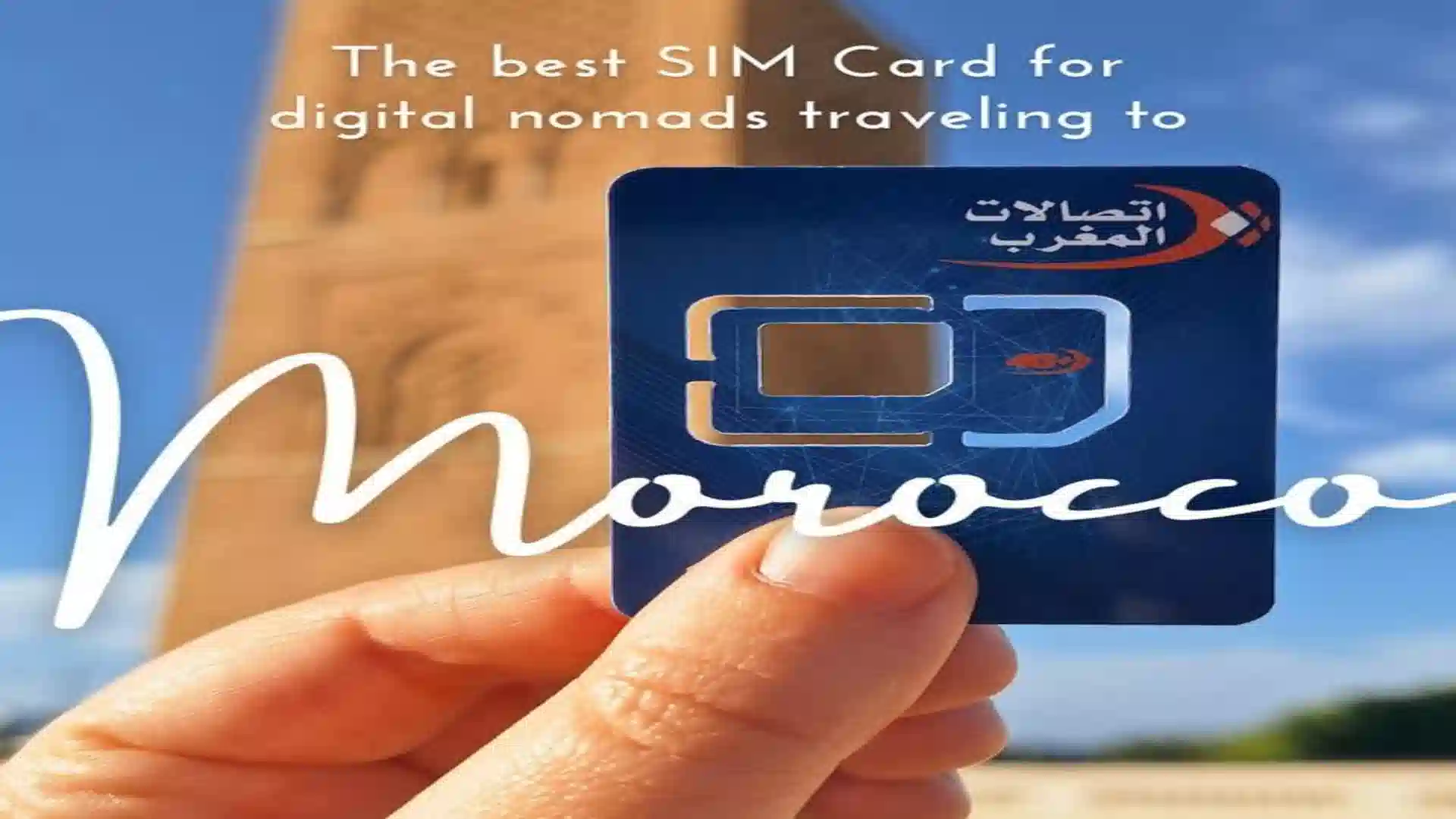
Morocco eSIM Guide 2026/2027: Do You Even Need One?
Yes, most travelers to Morocco benefit from either an eSIM or a local SIM card, because hotel Wi-Fi is inconsistent outside major cities and mobile data is the most reliable way to navigate, book rides, and stay in touch during a desert tour. Based on our operational data running clients from Marrakech into the Atlas Mountains and Sahara, the real question isn’t whether you need data; it’s whether an international eSIM or a local Moroccan SIM card is the better fit for your specific route.
This guide breaks down Morocco’s three mobile networks, real 2026 eSIM pricing, where coverage actually drops out on the desert routes we run daily, and exactly how to set up connectivity before you land.
Morocco eSIM vs. Local SIM Card: Quick Comparison
If you read only one section, please read this one. The table reflects what our drivers and guides actually observe on the Marrakech–Merzouga and Marrakech–Zagora routes.
| Factor | International eSIM | Local Moroccan SIM (Orange/Inwi/Maroc Telecom) |
|---|---|---|
| Setup time | 5 minutes before you fly | 20–40 minutes at the airport or in-town shop |
| Passport required | No (for most international eSIM providers) | Yes, mandatory ID registration by Moroccan law |
| Price per GB | Higher | Lower, often 3–5x cheaper |
| Best for | Trips under 2 weeks, convenience-first travelers | Trips over 2 weeks, heavy data users, budget travelers |
| Keeps home number active | Yes (dual SIM) | No, unless your phone supports dual SIM. |
| Desert/Atlas coverage | Depends on which local network the eSIM routes through | Direct you choose the strongest network yourself |
| Typical cost (10 GB, 1–2 weeks) | $28–35 | $5–20 (200 MAD ≈ $20 for 50 GB) |
| Activation hassle | None scanned the QR code, done. | Shop visit, passport copy, sometimes language barrier |
Do You Actually Need an eSIM for Morocco?
An eSIM is not strictly necessary; you can complete an entire Morocco trip using hotel Wi-Fi and occasional cafe connections but for navigation, ride-hailing, and staying reachable during a multi-day desert tour, mobile data meaningfully improves the experience. When managing logistics on the ground, we’ve found travelers without any data plan consistently struggle most with real-time coordination during pickup times and unplanned itinerary changes.
Situations where mobile data matters most on a Morocco trip:
- Airport pickup coordination: Confirming your driver’s arrival via WhatsApp the moment you land, rather than searching for a sign in a crowded arrivals hall.
- Medina navigation: Marrakech and Fes’s old medinas are notoriously difficult to navigate without GPS Google Maps with live data is far more reliable than asking directions repeatedly.
- Desert tour check-ins: Messaging family or sharing photos from camp, particularly relevant since some desert camps have no Wi-Fi at all.
- Ride-hailing apps: Apps like inDrive operate in major cities and require live data to function.
If your trip is exclusively a guided desert tour where transport, meals, and accommodation are all pre-arranged, data is more of a comfort layer than a necessity, but for any independent exploration time in Marrakech, Fes, or Casablanca, it becomes far more useful.
Morocco’s Three Mobile Networks: Orange, Inwi, and Maroc Telecom
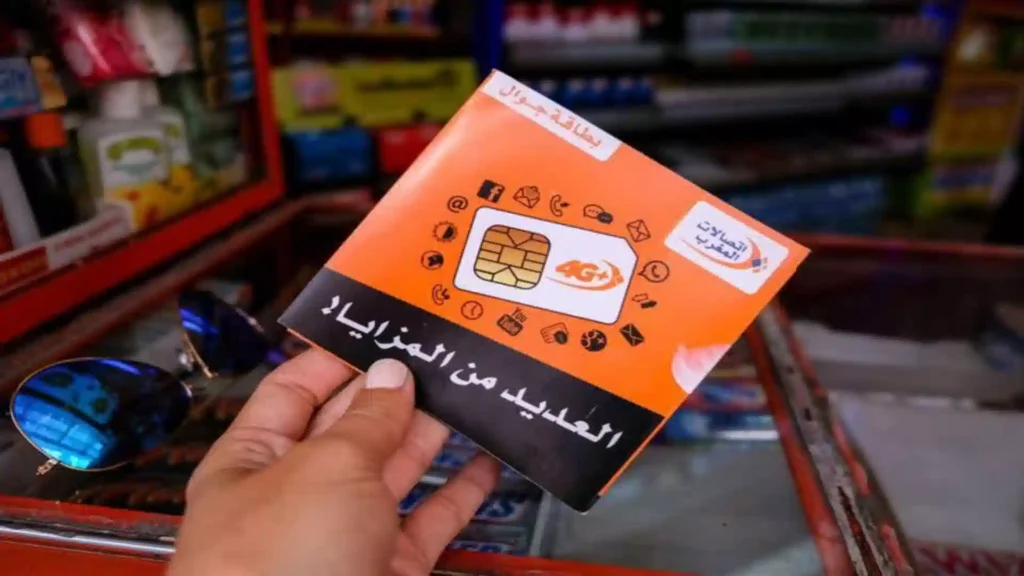
Buying a local prepaid SIM card from Maroc Telecom for mobile data coverage across Morocco.
Morocco has three main mobile network operators: Maroc Telecom, Orange Maroc, and Inwi, and the right choice depends almost entirely on your itinerary: Maroc Telecom and Inwi generally win on rural and desert coverage, while Orange edges ahead on 5G speed in major cities. Nearly every eSIM and local SIM option ultimately routes through one of these three networks, so understanding them matters more than comparing brand names.
| Network | Strength | Weakness | Best For |
|---|---|---|---|
| Maroc Telecom | Strongest rural and desert coverage, most cell sites in remote areas | Pricing can run slightly higher; less English-language support | Atlas Mountains, Sahara, road-trip-heavy itineraries |
| Inwi | Best data-per-dirham value, strong urban coverage, near-unlimited prepaid plans | Rural coverage doesn’t fully match Maroc Telecom. | Budget travelers, city-focused trips, longer stays |
| Orange Maroc | Fastest 5G in Casablanca, Rabat, and Marrakech; generous international minute bundles | Weaker in the deepest rural pockets of the Atlas or Sahara | City-only trips, travelers calling home frequently |
For travelers combining a few days in Marrakech with a multi-day Sahara desert tour, Maroc Telecom or Inwi tends to outperform Orange once you’re past Ouarzazate, since these two carriers maintain more cell infrastructure along the Dades Valley, Ziz Valley, and the roads toward Merzouga and Zagora.
How Much Does a Morocco eSIM Cost in 2026?
A standard 10–20 GB eSIM plan for a one-to-two-week Morocco trip typically costs between $17 and $35, while local prepaid SIM cards offer significantly more data for less, often 50 GB for around $20. Pricing varies meaningfully by provider, so it’s worth comparing a few before committing, especially if your trip extends beyond two weeks.
| Provider | Plan | Price | Network Used |
|---|---|---|---|
| Nomad | 20 GB | ~$29 | Orange |
| Nomad | 50 GB | ~$45 | Orange |
| Airalo | 10 GB | ~$35 | Maroc Telecom |
| Airalo | 1 GB / 7 days | ~$8 | Maroc Telecom |
| Saily | Unlimited (3 GB/day fair use) | Varies | Undisclosed |
| Orange Travel | 3 GB | ~$12 | Orange |
| Orange Travel | 20 GB (promo) | ~$18 | Orange |
| SimOptions | 10 GB | ~$11 | Orange/Inwi |
| Local Orange/Inwi/Maroc Telecom prepaid SIM | 50 GB | ~$20 (200 MAD) | Direct |
The pattern across nearly every comparison is consistent: eSIMs win on convenience, and local SIM cards win on price per gigabyte. For a short trip (under two weeks) where you value not visiting a shop on arrival, the eSIM premium is usually worth it. For longer stays or heavy data users, the savings from a local SIM add up quickly.
eSIM vs SIM card Morocco: Which Is Right for Your Trip?
Choose an eSIM if your trip is under two weeks and convenience matters more than saving $10–20; choose a local Moroccan SIM card if your trip exceeds two weeks, you’re a heavy data user, or you want the lowest possible cost per gigabyte. This is the same trade-off framework we walk clients through when they ask about staying connected during a desert tour.
Choose an Morocco eSIM if:
- Your trip is a standard 3–10 day tour.
- You’re arriving late at night and don’t want to search for an open shop.
- You want to keep your home number active for calls or two-factor authentication codes.
- You would rather not carry your passport to a SIM card kiosk.
Choose a local SIM card if:
- Your trip is two weeks or longer.
- You’re a heavy data user (streaming, video calls, remote work).
- You want the absolute lowest price per gigabyte.
- You don’t mind a 20–40 minute shop visit and passport registration.
Consider both if you’re combining a short eSIM for your first day or two (to handle airport pickup and initial navigation) with a local SIM purchased once you’ve settled in. Many travelers on our longer circuits do exactly this.
Where Does Mobile Coverage Actually Drop Out on a Morocco Desert Tour?
Coverage is reliable in Marrakech, Casablanca, Fes, and along the main paved highway to Ouarzazate but becomes intermittent through sections of the Atlas Mountains, weakens further along the Dades and Ziz Valleys, and disappears almost entirely on the unpaved 4×4 track between M’Hamid and Erg Chigaga. This is a critical detail no generic eSIM guide will tell you, because it’s specific to the exact routes desert tours actually run.
Based on what our drivers consistently observe:
- Marrakech to Ouarzazate (via Tizi n’Tichka): Coverage holds for most of the drive, with brief dead zones at the pass’s highest switchbacks.
- Ouarzazate to Merzouga (via Dades/Todra Gorge): Generally reliable on Maroc Telecom and Inwi; patchier on Orange in the gorge sections themselves.
- Merzouga town and Erg Chebbi camp edge: Solid 4G at the town’s edge; signal weakens noticeably once you’re a camel ride into the dunes, though most camps near the village retain partial coverage.
- Ouarzazate to Zagora (via Draa Valley): Reliable along the main road through Agdz and Zagora itself.
- Zagora to M’Hamid: Coverage thins but generally holds on the paved stretch.
- M’Hamid to Erg Chigaga (unpaved piste): Expect no signal at all for the 2–3 hour 4×4 transfer this is genuinely off-grid, which is part of what makes it appealing to travelers seeking solitude.
If you’re booking an Erg Chigaga extension specifically for the remote, disconnected experience, this coverage gap is a feature, not a flaw. If you need to stay reachable throughout your trip, the Merzouga route via Erg Chebbi keeps you connected far more consistently.
How to Set Up Your Morocco eSIM Before You Fly
Setting up a Morocco eSIM takes about five minutes and should be done before departure: choose a provider and plan, receive a QR code by email, scan it with your phone’s camera, and activate the data plan once you land. No shop visit or passport copy is required for most international providers. This process is identical across nearly every major eSIM provider.
Step-by-step:
- Confirm your phone supports eSIM. Most phones from 2019 onward are compatible, including the iPhone XS and later, Samsung Galaxy S20 and later, and Google Pixel 3 and later. Your phone should also be unlocked from your home carrier.
- Choose a provider and plan size. For a standard 7–14 day trip, a 10–20 GB plan covers typical tourist use (navigation, messaging, social media, and occasional video calls).
- Purchase online and receive your QR code by email, usually within minutes.
- Scan the QR code with your phone’s camera before you fly; this installs the eSIM profile but doesn’t activate it yet.
- Activate on arrival. Most eSIMs activate automatically once you land and connect to a local tower or require a simple toggle in your phone’s settings.
- Keep your home SIM active for calls and texts if needed; the eSIM runs as a secondary data-only line in most cases.
How Much Data Do You Actually Need for a Morocco eSIM Trip?
For a typical 7–14 day Morocco trip combining city exploration and a desert tour, 5–10 GB covers light use (navigation, messaging, social media), while 15–20 GB comfortably covers moderate use, including video calls and photo/video uploads. Heavy streamers or remote workers should budget 30 GB or more, or consider a local unlimited plan instead.
| Travel Style | Recommended Data | Typical Use |
|---|---|---|
| Light user (navigation + messaging only) | 5 GB | Google Maps, WhatsApp text, occasional photo upload |
| Moderate user | 10–20 GB | Above, plus social media posting, video calls home |
| Heavy user | 30 GB+ | Streaming, frequent video calls, large photo/video backups |
| Digital nomad / month-long stay | Unlimited local plan | Remote work, daily video conferencing |
Can You Make International Calls from Morocco?
Yes, WhatsApp, FaceTime, Telegram, and similar VoIP apps work normally over Moroccan mobile data and are not blocked, making them the most cost-effective way to call home regardless of whether you’re on an eSIM or local SIM. This is worth knowing upfront, since traditional international calling rates from any Moroccan carrier climb sharply after included bundles run out.
- VoIP apps (WhatsApp, FaceTime, Telegram): Work reliably over any data connection and are effectively free for calls from anywhere with an internet connection.
- Traditional international calling: Orange’s tourist plans tend to bundle more generous international minutes than Inwi or Maroc Telecom, but per-minute rates climb quickly once those minutes are used.
- Local calls within Morocco: Necessary mainly for coordinating with drivers or guides who may not always be reachable via WhatsApp; a local SIM number simplifies the process if your trip is longer.
Airport SIM Kiosks: Worth It or Overpriced?
Airport SIM kiosks at Marrakech (RAK), Casablanca (CMN), and Agadir (AGA) are convenient but consistently marked up compared to in-town shops, often charging two to three times the price for the same “tourist pack” data plan. If convenience matters more than saving $10–15, the kiosk is a reasonable option immediately after a long flight, but it’s rarely the cheapest route.
- Airport kiosk pros: Immediate activation, English-speaking staff, no need to find a shop in an unfamiliar city.
- Airport kiosk cons: Markup of 2–3x versus identical plans from downtown Orange, Inwi, or Maroc Telecom stores.
- Street vendor SIM cards: We don’t recommend these; they’re often sold without proper registration, activation messages may be in Arabic only, and data allowances can run out faster than advertised.
- Best practical compromise: Use a pre-purchased eSIM for your first 24–48 hours, then pick up a local SIM in town once you’ve settled in, if your trip is long enough to justify it.
City-by-City Coverage: What to Expect in Morocco’s Main Hubs
Coverage quality varies meaningfully even within Morocco’s main cities. Casablanca has the country’s strongest overall network and 5G deployment; Marrakech offers excellent 4G across the medina and Gueliz, while Fes and Chefchaouen see good coverage in modern districts but occasional weak spots in the oldest medina alleyways. Knowing what to expect city by city helps set realistic expectations rather than assuming uniform coverage everywhere.
- Casablanca: Morocco’s largest city and strongest overall network performance, with the country’s most consistent 5G rollout. International eSIMs routing through any of the three carriers perform well here.
- Marrakech: Excellent 4G across the medina, Gueliz, and surrounding areas, with typical download speeds in the 20–50 Mbps range. The dense Medina walls can occasionally cause brief signal dips in the deepest alleyways, but this is rarely a practical problem.
- Fes: Strong 4G in the modern Ville Nouvelle and along main medina thoroughfares; the old medina’s narrow, winding alleys can produce similar minor dips to Marrakech’s medina.
- Rabat: Reliable coverage across the city, benefiting from its status as the administrative capital with strong infrastructure investment.
- Chefchaouen: Generally solid coverage in the blue city itself, though as a Rif Mountain town, expect some thinning of signal on the drive to and from Fes or Tangier.
- Tangier: Strong coverage given its role as a major port and gateway city, with good connectivity extending toward the ferry terminal.
- Agadir: Reliable urban coverage, similar in quality to Marrakech, with some thinning further into the Anti-Atlas region.
Troubleshooting: What to Do If Your eSIM Doesn’t Activate
If your eSIM fails to activate on arrival, the most common causes are a phone that isn’t actually carrier-unlocked, attempting activation before landing (some providers require an active local tower connection first), or a destination mismatch in your phone’s network settings. Working through these in order resolves the vast majority of activation issues without needing customer support.
Steps to troubleshoot, in order:
- Confirm your phone is unlocked. Check with your home carrier before traveling; a locked phone cannot install a second carrier profile, regardless of eSIM compatibility.
- Toggle airplane mode on and off once you’ve landed to force your phone to search for and connect to local towers.
- Manually select the network in your phone’s cellular settings if automatic selection fails. Choose Orange, Inwi, or Maroc Telecom depending on which network your eSIM provider uses.
- Restart your phone after installing the eSIM profile, which resolves a meaningful share of activation issues on both iOS and Android.
- Check that your data roaming toggle is switched on specifically for the eSIM line, since this is a commonly missed step on dual-SIM phones.
- Contact provider support via the app or WhatsApp if the above steps don’t resolve it. Most reputable eSIM providers (Nomad, Airalo, and Simbye) offer responsive chat support specifically because activation issues are common enough to warrant it.
- Check that your installed eSIM is set as the active data line, not just installed on some phones; installing the profile alone doesn’t automatically route data through it, and you’ll need to manually select it as your primary or secondary data line in settings.
If you’re traveling with us and experience connectivity issues during a desert tour, your guide can also help troubleshoot on the ground, since local SIM cards are available as a backup in Merzouga, Zagora, and most overnight stop towns along the route.
Is Hotel and Riad Wi-Fi Reliable Enough on Its Own?
Wi-Fi at most mid-range and upscale Marrakech, Fes, and Casablanca hotels or riads is generally reliable for basic browsing and messaging, but speed and consistency drop noticeably at budget guesthouses and almost disappear entirely once you reach rural kasbah-style hotels along the Dades Valley or desert camps. Relying on Wi-Fi alone works for some travelers, but it introduces real gaps precisely where mobile data matters most during transit and in remote overnight stops.
What to realistically expect from Wi-Fi across a typical itinerary:
- City riads and hotels: Generally solid, often fiber-backed in well-reviewed properties, though thick traditional riad walls can weaken the signal between floors.
- Budget guesthouses: Wi-Fi exists but is frequently shared across many rooms, slowing considerably during peak evening hours.
- Kasbah-style hotels (Dades/Todra Gorge overnight stops): Wi-Fi is often available in common areas but weak or absent in individual rooms.
- Standard desert camps near Merzouga: Increasingly common to have basic Wi-Fi at the communal tent, though individual sleeping tents rarely have a signal.
- Remote Erg Chigaga camps: Wi-Fi is rare to nonexistent, consistent with the broader lack of mobile coverage on that route.
In our experience testing this across both routes, travelers who pair hotel Wi-Fi with even a basic mobile data plan report a meaningfully smoother trip than those relying on Wi-Fi alone, simply because Wi-Fi can’t help you while you’re actually in the vehicle crossing the Atlas or navigating an unfamiliar medina on foot.
Morocco eSIM Privacy and Data Security: What Travelers Should Know

Staying connected with mobile data while trekking through the Sahara desert.
International eSIMs are generally as secure as your home carrier’s data connection, since the underlying network infrastructure belongs to Morocco’s licensed carriers (Orange, Inwi, or Maroc Telecom) regardless of which international brand sold you the eSIM. The main practical security consideration for travelers isn’t the eSIM itself, but standard precautions that apply to any unfamiliar network.
- Public Wi-Fi caution: Avoid logging into banking apps over open hotels or cafes Wi-Fi without a VPN; your mobile data connection (eSIM or local SIM) is generally a safer choice for sensitive transactions than shared Wi-Fi.
- Dual-SIM benefits for security: Keeping your home SIM active alongside a data-only eSIM means two-factor authentication codes sent via SMS to your home number still arrive normally, which is a common pain point for travelers who fully swap to a local SIM.
- No special Morocco-specific restrictions: Morocco does not block VoIP services, social media platforms, or messaging apps on mobile networks, so standard travel security practices apply without additional local complications.
Frequently Asked Questions About Morocco Internet and SIM Cards
Does eSIM work in the Sahara Desert?
Coverage depends entirely on which local network your eSIM routes through and how remote the specific dune field is. Erg Chebbi near Merzouga retains partial signal near the village, while the unpaved track to Erg Chigaga near M’Hamid has no coverage at all regardless of provider.
Is Wi-Fi available at desert camps?
Some Merzouga-area luxury camps offer Wi-Fi, but most standard and all remote Erg Chigaga camps do not plan to be offline during your night in the dunes, which many travelers find is part of the appeal.
Can I use my eSIM for hotspot/tethering with a laptop?
Most providers allow hotspot sharing, but some (like Holafly) cap tethering at around 500 MB per day. Check your specific provider’s hotspot policy if you need to work from your laptop during the trip.
Do I need a Moroccan SIM if I already have an eSIM?
Not necessarily for trips under two weeks with light to moderate data needs, a single eSIM plan is usually sufficient; a local SIM mainly adds value for longer stays or significantly cheaper data.
Which network is best for the Marrakech to Merzouga desert route specifically?
Maroc Telecom and Inwi generally outperform Orange along the Dades Valley, Ziz Valley, and Merzouga corridor, based on consistent coverage patterns our drivers observe on this route.
Is mobile data reliable during the Tizi n’Tichka mountain crossing?
Coverage holds for most of the pass but experiences brief dead zones at the highest switchbacks not a concern for casual use, but worth knowing if you’re relying on live navigation throughout the crossing.
Should I buy data before I land or wait until I arrive?
For eSIMs, buy and install the profile before you fly so it’s ready to activate the moment you land; for local SIM cards, you’ll need to wait until arrival since in-person ID registration is legally required by Moroccan telecom regulations.
Does an eSIM work for using Google Maps offline in the desert?
An eSIM only provides live data where there’s network coverage, so for the offline stretches near Erg Chigaga, download your route on Google Maps in advance using the offline maps feature rather than relying on a live connection.
Can I share my eSIM data with a travel companion?
Hotspot/tethering is allowed by most providers, letting you share your eSIM’s data connection with a travel companion’s device, though check your specific provider’s daily hotspot limit first since some cap tethering separately from your main data allowance.
Final Checklist: Staying Connected on Your Morocco Trip
- Trip under 2 weeks, want convenience: Buy an eSIM with 10–20 GB before you fly; activate on arrival.
- Trip over 2 weeks or heavy data use: Buy a local Maroc Telecom or Inwi prepaid SIM after landing for better value.
- Heading into the Atlas Mountains or Sahara: Prioritize Maroc Telecom or Inwi over Orange for stronger rural coverage.
- Booking the Erg Chigaga extension via M’Hamid: Expect zero signal for the 2–3 hour 4×4 transfer download of offline maps, and tell family in advance.
- Want to avoid airport markup: Use a pre-purchased eSIM for your first day or two, then buy a local SIM in town if your trip justifies it.
- Calling home regularly: Rely on WhatsApp or FaceTime over data rather than traditional international calling rates.
- Worried about activation failing: Test your eSIM’s free trial data (where offered) before purchasing a full plan, and keep your provider’s support contact saved offline in case you need it after landing.
Whichever option you choose, the goal isn’t maximum data; it’s matching your connectivity plan to your actual itinerary, so you’re never caught without navigation in the medina or unexpectedly offline during a pickup you were counting on. A few minutes of setup before you fly buys you a noticeably smoother first day, which matters most when you’ve just stepped off a long-haul flight and want your trip to start without friction.